Time-Blocking Systems: Organise Your Day Like Top CEOs

Lesezeit: 11 Minuten
Elon Musk divides his day into five-minute blocks. Bill Gates schedules every single hour, including thinking time. These aren't quirks of eccentric billionaires—they're deliberate time-blocking systems that transform chaotic schedules into precision instruments. If you're juggling business meetings, networking events, and maintaining the lifestyle that attracts successful singles, you need more than a to-do list scribbled on your phone.
Time-blocking systems allocate specific hours to specific tasks, eliminating decision fatigue and creating the structured day that separates high performers from perpetual strugglers. This isn't theory—it's the exact method Jack Dorsey used to run both Twitter and Square simultaneously, dedicating theme days to each company whilst still finding time for morning meditation and evening walks.
Understanding Time-Blocking Systems Beyond Basic Scheduling
Time-blocking differs fundamentally from traditional scheduling. Rather than listing tasks hoping you'll find time, you assign each activity a dedicated slot. Cal Newport, author of Deep Work, describes this as "giving every minute a job"—a concept he's championed since 2013 when he first documented his academic productivity methods.
The method works because it leverages Parkinson's Law: work expands to fill the time available. When you allocate precisely ninety minutes to prepare a presentation, you'll finish in ninety minutes. Without that boundary, the same task consumes three hours whilst you check emails and scroll social media.
Elite performers take this further with theme batching. Marc Andreessen, venture capitalist worth billions, doesn't scatter meetings randomly. He blocks entire afternoons for partner meetings, separate mornings for portfolio company reviews. This creates cognitive momentum—your brain doesn't constantly switch contexts, which research from the University of California Irvine shows can cost up to 23 minutes of recovery time per interruption.
The CEO Method: Categorise Before You Block
Start by categorising your work into four types: deep work (strategic thinking, content creation), shallow work (emails, administrative tasks), meetings, and personal time. Mary Barra, CEO of General Motors since 2014, publicly discussed allocating her first two hours daily to strategic deep work before any meetings begin.
Your blocks should reflect energy patterns. Neuroscience research from the University of Toronto confirms most people experience peak cognitive performance between 9am and 11am. Schedule your most demanding tasks then. Reserve post-lunch slots for meetings where your role is listening rather than leading. Late afternoon works perfectly for shallow tasks like expense reports or calendar coordination.
Digital Tools That Actually Deliver Results
The right digital scheduling tools transform time-blocking from theoretical framework to automatic habit. Google Calendar remains the foundation—free, universally compatible, and offering colour-coding that makes visual scanning effortless. But high performers layer additional tools for genuine automation.
Motion (usemotion.com) uses artificial intelligence to build your daily schedule automatically. You input tasks with deadlines and priority levels; Motion arranges them into optimal time blocks, automatically rescheduling when meetings run over. Pricing starts at £25 monthly, which sounds steep until you calculate the value of reclaiming even two hours weekly.
Reclaim AI integrates directly with Google Calendar, defending blocks for habits you define. Want guaranteed gym time at 6am daily? Reclaim marks it as "busy" and automatically declines conflicting meeting invites. The tool particularly excels for people maintaining reading habits or other personal development routines that typically get sacrificed when calendars fill.
Automation Tools for Seamless Calendar Management
Calendly eliminates email tennis for scheduling meetings. You set availability windows; others book directly into open slots. The Premium plan (£10 monthly) includes automatic time zone detection and buffer times between meetings—essential when you're coordinating across continents for business or arranging meetups with people from professional dating circles.
Zapier connects your various tools into automated workflows. When a client emails requesting a meeting, Zapier can automatically send your Calendly link, add the confirmed appointment to your CRM, and block travel time before and after. Investment banker fees might justify a personal assistant, but Zapier delivers 80% of that value for £20 monthly.
SaneBox filters emails by importance, ensuring only genuine priorities interrupt your deep work blocks. According to their 2023 data, users save an average of 3.5 hours weekly by having newsletters and low-priority messages automatically sorted into review folders you check during designated email blocks.
Implementation: Your First Week of Time-Blocking Systems
Monday morning, audit last week's calendar. Where did time actually go? Most people discover 40% vanished into unscheduled "just quick" tasks and extended meetings. This audit provides your baseline—the chaos you're replacing with structure.
Next, define your non-negotiables. These are blocks that occur regardless of external demands: morning exercise, strategic planning time, perhaps Friday afternoon for relationship maintenance if you're navigating the busy social calendars that come with elite circles. Mark these first in a distinct colour.
Then add your theme days or theme blocks. Consultants often designate Mondays for client work, Wednesdays for internal projects, Fridays for business development. Even if you can't theme entire days, theme half-days. Tuesday and Thursday mornings for creative work. Monday and Wednesday afternoons for meetings.
The Fifteen-Minute Buffer Rule
Schedule fifteen-minute buffers between different block types. This accommodates overruns, provides transition time, and creates space for urgent matters without demolishing your entire structure. Tim Ferriss, who popularised the four-hour workweek concept, actually advocates twenty-minute buffers for maximum flexibility.
Protect your blocks with the same rigour you'd protect a meeting with your most important client. When someone requests time during your deep work block, offer alternative slots during your designated meeting windows. This feels uncomfortable initially—we're conditioned to accommodate others—but it's precisely what separates people who accomplish ambitious goals from those perpetually busy yet unproductive.
Advanced Techniques from Elite Performers

Once basic time-blocking becomes habitual, layer in advanced methods. The Pomodoro Technique within blocks creates micro-deadlines: twenty-five minutes of focused work, five-minute break, repeat. Francesco Cirillo developed this in the 1980s, but it gained mainstream traction around 2013 when productivity apps like Forest gamified the approach.
Time-blocking systems also work for personal life. Schedule date nights, friendship maintenance, even relaxation. This might seem mechanical, but high performers understand that unscheduled activities simply don't happen when competing against scheduled ones. Without a blocked Saturday evening, business emails gradually consume your entire weekend.
Consider implementing "office hours" for interruptions. Rather than maintaining an open-door policy that fragments your day, designate two thirty-minute windows when colleagues or team members can approach with questions. Outside those windows, you're unreachable except for genuine emergencies. This technique comes from academia—professors have used it for decades—but translates perfectly to business environments.
Tracking and Iteration: The Quarterly Review
Every three months, analyse which blocks consistently work and which you're constantly moving. Patterns reveal truth. If you've rescheduled Thursday morning deep work twelve consecutive weeks, Thursday morning isn't actually available for deep work—adjust your system accordingly.
RescueTime provides detailed analytics about where computer time actually goes, comparing scheduled blocks against reality. Their 2024 Productivity Report found that people who review their time data quarterly improve their focused work time by 47% compared to those who never review.
Common Obstacles and Practical Solutions
The biggest challenge isn't creating blocks—it's defending them. Well-meaning colleagues, unexpected opportunities, and your own impulses will constantly threaten your structure. Develop standard responses: "I've got dedicated time for that Thursday afternoon—shall I send you a slot then?"
Some roles genuinely require high responsiveness. If you're in client services or crisis management, create flex blocks specifically for reactive work. A two-hour window marked "client response time" maintains structure whilst acknowledging reality.
Energy fluctuations pose another challenge. You might schedule deep work for 9am, but arrive exhausted from poor sleep. Rather than abandoning the system, swap blocks. Move that deep work to your scheduled afternoon admin time, handle emails now instead. The structure remains; only the content shifts.
Measuring Success: Metrics That Matter
Track three metrics weekly: hours in deep work, number of blocks you protected successfully, and completion rate of your weekly top three priorities. These numbers tell you whether time-blocking systems are actually improving productivity or just creating calendar clutter.
According to research from the Draugiem Group's time-tracking study of 2014, the most productive people don't work longer hours—they work in focused 52-minute bursts with 17-minute breaks. Your metrics should reveal similar patterns emerging naturally from your blocks.
Quality matters more than quantity. One protected three-hour deep work block often delivers more value than eight fragmented hours of interrupted work. When you complete a significant project during a protected block, note it. These wins reinforce the habit.
Luxury Lifestyle Integration
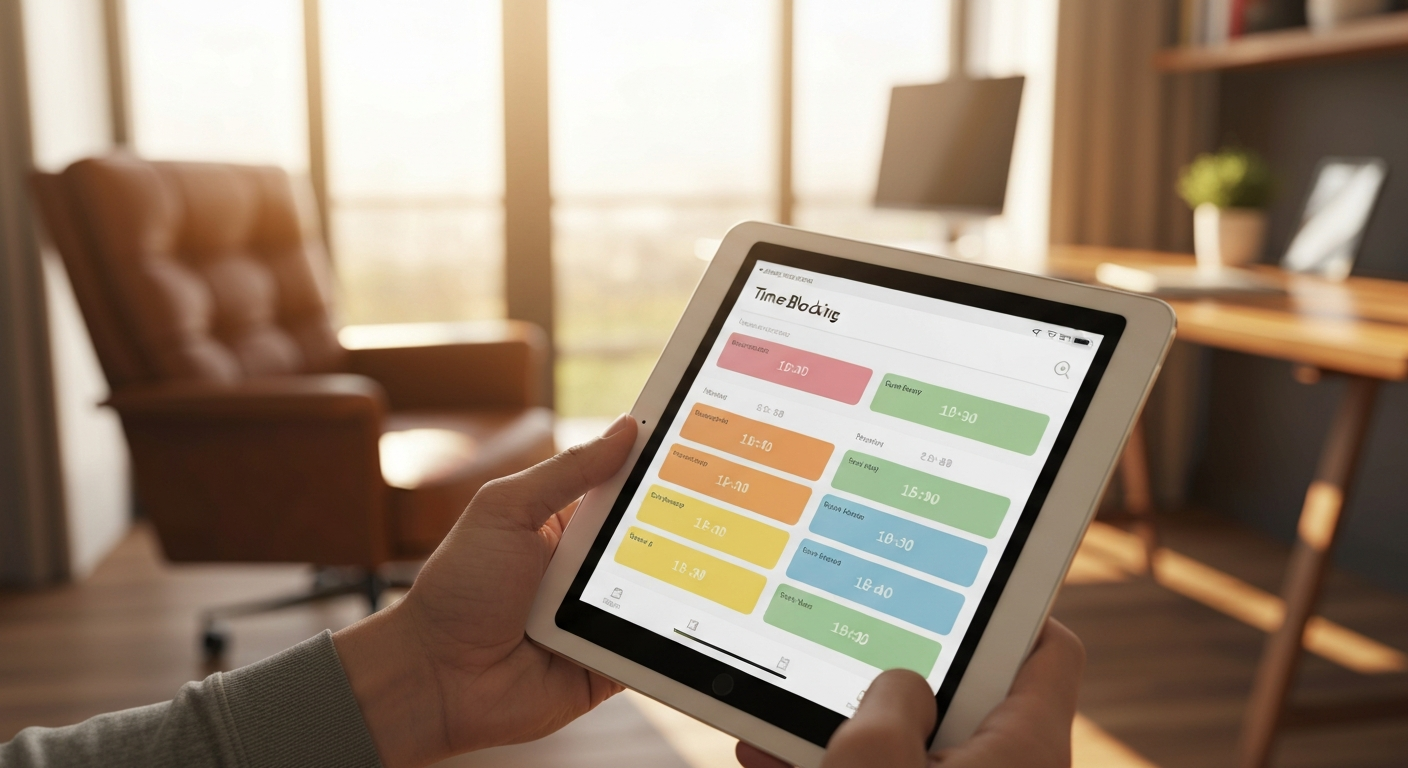
Time-blocking systems become even more valuable when you're maintaining the lifestyle that keeps you competitive in elite circles. Travel arrangements, personal training sessions, grooming appointments, and social engagements all require coordination. Without structured time management, either your business suffers or your personal presentation declines.
Block time for the activities that maintain your edge. Two hours weekly for wardrobe planning and shopping. Ninety minutes for spa treatments or wellness routines. These aren't indulgences—they're professional necessities when your network includes people who notice details and judge accordingly.
The most successful people treat personal brand maintenance with the same scheduling rigour as board meetings. They understand that turning up to networking events looking exhausted because "work was crazy" signals poor priorities, not dedication.
Essential Tools Checklist for Time-Blocking Success
- Google Calendar or Outlook: Your foundation, colour-coded by activity type with different calendars for professional, personal, and aspirational blocks
- Motion or Reclaim AI: Intelligent scheduling that automatically arranges tasks and defends priorities
- Calendly or similar: Eliminates scheduling back-and-forth whilst controlling when others can claim your time
- RescueTime or Timing: Tracks actual computer usage against planned blocks to reveal patterns and improvement opportunities
- Todoist or Things: Task management that integrates with calendar blocking, allowing you to assign tasks to specific time blocks
- Focus@Will or Brain.fm: Music scientifically designed for concentration during deep work blocks
Frequently Asked Questions
How do time-blocking systems differ from regular scheduling?
Time-blocking systems assign every minute of your day to a specific category of activity, treating tasks with the same commitment as meetings. Regular scheduling typically just tracks appointments, leaving large gaps of unstructured time where productivity vanishes into reactive mode. Time-blocking proactively decides how you'll spend every hour, including email checking, breaks, and thinking time.
What digital tools work best for beginners starting with time-blocking?
Start with Google Calendar using colour-coding for different block types—blue for deep work, green for meetings, yellow for administrative tasks, red for personal time. Add Calendly for meeting scheduling automation. These two free tools provide 80% of time-blocking benefits without overwhelming complexity. Add Motion or Reclaim AI after you've maintained basic blocking for one month successfully.
How long does it take before time-blocking becomes automatic habit?
Research from University College London published in the European Journal of Social Psychology found habit formation averages 66 days, though the range spans 18 to 254 days depending on complexity. For time-blocking systems, expect 8-12 weeks before checking and defending your blocks feels natural rather than forced. The first three weeks feel restrictive; weeks four through eight reveal productivity gains that motivate continuation.
Why do my time blocks constantly get interrupted?
Either you haven't communicated boundaries clearly to colleagues and clients, or you're not scheduling realistic flex time for inevitable interruptions. Add a "reactive work" block each day specifically for handling urgent requests. Use calendar settings to show specific blocks as "busy" rather than "tentative." When someone requests time during a protected block, offer alternatives: "I'm committed then, but I have slots at 2pm or Thursday morning."
What should I do when time-blocking feels too rigid?
Build flexibility into your system rather than abandoning structure entirely. Schedule 60-70% of your time in blocks, leaving 30-40% for spontaneity and overflow. Use weekly themes rather than rigid daily schedules if your work requires more fluidity. Remember that even rough time-blocking outperforms no structure—perfection isn't the goal, improved focus is.
Implementation Starts Now
Time-blocking systems separate people who achieve ambitious goals from those who constantly feel busy yet accomplish little. You've now got the framework elite performers use, the digital tools that automate the tedious parts, and the practical tactics that make it sustainable.
Your next step is brutally simple: open your calendar right now and block tomorrow. Not next week when things calm down—they won't. Not next month after this project finishes—another will replace it. Tomorrow. Ninety minutes of deep work first thing. Thirty minutes for email. Two hours for your most important meeting. Sixty minutes for exercise or personal development.
High performers aren't more talented or disciplined—they're more structured. They've systematised success through time-blocking systems that transform intentions into protected hours. The difference between where you are and where you want to be isn't motivation or opportunity. It's structure. Start building yours today.